Small Business Website Navigation Checklist
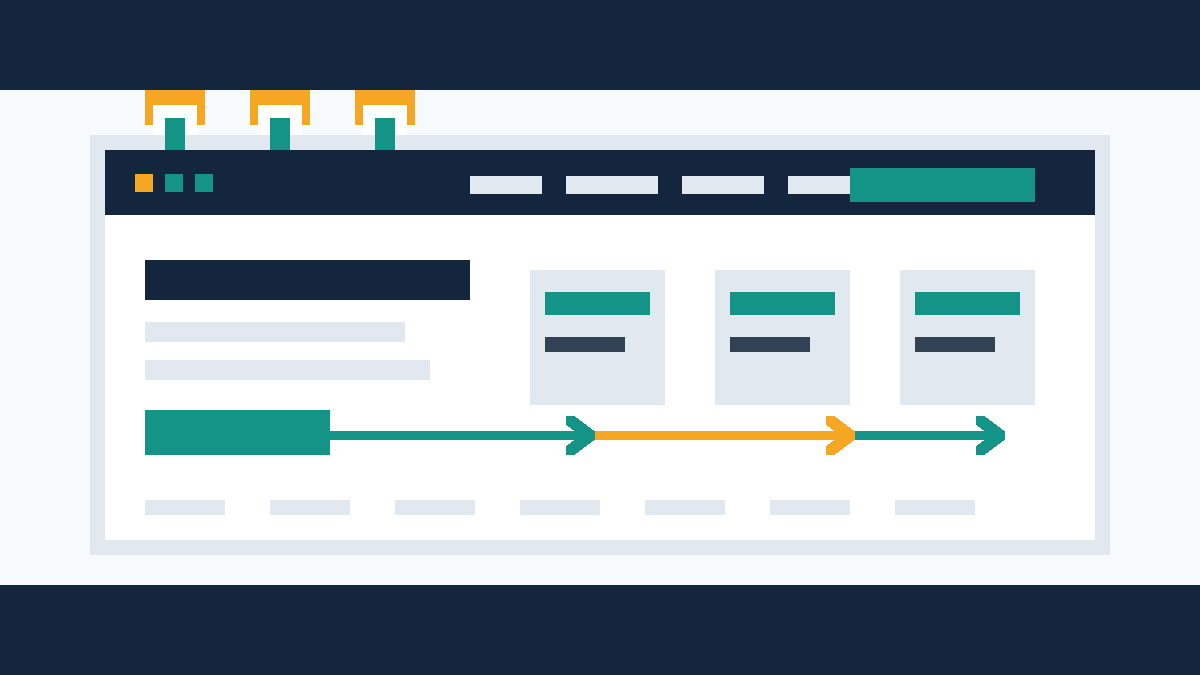
A small business website menu should move customers to the right page fast: services, pricing, booking, contact, or quote request. Use this checklist before a l
Start with the pages customers expect
Most small business websites need fewer top-level menu items than owners think. Start with the pages a new visitor expects to see.
For a basic service business, use:
- Home
- Services
- About
- Reviews or Results
- Contact
For appointment-based businesses, add Book Online if you use a booking tool.
For businesses with clear packages, add Pricing if you can show useful ranges. If your work needs a scope first, use Request a Quote instead.
Do not make visitors decode clever labels. Say Services, not What We Do. Say Contact, not Start the Conversation. Clear beats cute when someone needs a plumber, salon, gym, clinic, contractor, or local consultant.
Keep the top menu short
A packed menu looks like choice. Customers read it as work.
Aim for five to seven top-level items. If you need more, group them under one clean parent page. A contractor can use Services as the parent, then link to kitchen remodeling, bathroom remodeling, basement finishing, and repairs from the services page.
Do not force every service into the header. Use the header to move people into the right section. Use the page content to handle detail.
Put the money path in the header
Your main action should sit in the same place on every page. For most small businesses, that action will be one of these:
- Call Now
- Book Online
- Request a Quote
- Get Pricing
- Schedule a Consultation
Pick the action that matches how customers buy from you.
A med spa may need Book Online. A roofer may need Request a Quote. A law firm may need Schedule a Consultation. A restaurant may need Order Online or Reserve a Table.
Do not use three primary buttons. Pick one. If you need a secondary path, put it lower on the page or in the footer.
Patchwork Sites includes booking embeds in every website tier, so appointment-based businesses can keep the booking path visible without rebuilding the whole customer flow.
Match navigation to your sales process
Your menu should match the next step your staff wants from a good lead.
If you price jobs after seeing details, link the header button to a quote form. Ask for the basics: name, phone, email, service needed, location, timeline, and a short project note.
If customers book without a call, link to your booking embed.
If your sale starts with a conversation, send people to a contact page with phone, email, service area, hours, and a short form.
If customers compare options before calling, put Pricing in the menu and explain what each tier includes. You do not need to list every edge case. Give buyers enough detail to decide whether they are in the right range.
Use service pages for search and clarity
One Services page works for a very small site. Separate service pages help when customers search for specific work.
Use separate pages when:
- The service has its own buyer intent
- The service needs photos, FAQs, or proof
- The service has a different booking or quote path
- You want Google to understand that service as its own topic
A cleaning company may need House Cleaning, Move-Out Cleaning, and Office Cleaning. A fitness studio may need Personal Training, Group Classes, and Nutrition Coaching.
Do not split pages just to make the site feel bigger. Split them when the customer needs a separate answer.
Do not bury location information
Local businesses need location cues in the navigation and footer.
If customers visit your physical location, add your address to the footer and contact page. If you serve a region, list the main towns or neighborhoods on the service page or footer. If you have more than one location, use a Locations page.
Your menu does not need to list every town. It needs to tell visitors they are in the right place.
Use plain labels:
- Locations
- Service Area
- Visit Us
- Contact
Search engines and customers both prefer clear location text over vague brand copy.
Build a footer people can use
Many visitors skip the menu and scroll to the footer. Treat it like a second navigation system.
A good footer should include:
- Core pages
- Main services
- Contact details
- Business hours if they matter
- Service area or address
- Privacy policy
- Terms if needed
- Social links if you keep them current
Do not use the footer as a junk drawer. Remove links that do not help a buyer, customer, or compliance need.
Make mobile navigation simple
Most local website visits happen on phones. Your mobile menu should make the next step obvious.
Check these items on a phone:
- The menu button is easy to tap
- The phone number or main action appears near the top
- Dropdowns work with a thumb
- Menu labels do not wrap into messy stacks
- The contact or booking path takes one or two taps
If a customer has to open a menu, open a dropdown, scroll, tap Contact, scan the page, then hunt for a form, the site asks too much.
Put the action closer.
Use dropdowns with care
Dropdowns help when they group related pages. They hurt when they hide important actions.
Use a dropdown for service categories, locations, or resources. Do not hide Contact, Book Online, or Request a Quote inside a dropdown.
On mobile, dropdowns can fail fast if the tap targets are small. Test them on a real phone before launch.
Remove pages that do not help buyers
Small business websites collect old pages over time. Some pages still help. Others distract.
Remove or rewrite pages that:
- Repeat the same content as another page
- Use old offers or pricing
- Describe services you no longer sell
- Include empty galleries
- Link to dead social profiles
- Talk about news from years ago
A cleaner menu makes the site feel more current. It also makes the quote path easier to find.
Example navigation setups
Use these as starting points, not rigid templates.
Local contractor
Top menu:
- Home
- Services
- Projects
- About
- Contact
- Request a Quote
Footer links:
- Kitchen Remodeling
- Bathroom Remodeling
- Repairs
- Service Area
- Privacy Policy
Salon or med spa
Top menu:
- Home
- Services
- Pricing
- About
- Reviews
- Book Online
Footer links:
- Hours
- Location
- Gift Cards if offered
- Policies
- Contact
Professional service business
Top menu:
- Home
- Services
- About
- Resources
- Contact
- Schedule a Consultation
Footer links:
- Main service pages
- Industries served
- Privacy Policy
- Terms
Restaurant or cafe
Top menu:
- Home
- Menu
- Order Online
- Catering if offered
- About
- Contact
Footer links:
- Hours
- Address
- Delivery apps if used
- Careers if hiring
- Privacy Policy
Navigation checklist before launch
Run through this list before your site goes live:
- The top menu has five to seven main items
- Page labels use plain customer language
- The main action appears in the header
- Contact details appear in the footer
- Services are grouped in a way customers understand
- Location or service-area details appear on the site
- Mobile users can call, book, or request a quote fast
- Dropdowns work on a phone
- Old, duplicate, or dead pages are gone
- Privacy and legal pages appear where customers expect them
- Booking embeds, forms, or quote paths have been tested
If one item fails, fix it before launch. Navigation problems are cheaper to fix before a site goes live than after customers start using it.
How Patchwork Sites handles navigation
Patchwork Sites builds fixed-scope websites for small businesses that need a professional site without an agency invoice.
Tier 1 is $997 for a 5-page site with no CMS. That fits businesses that need a clean home page, service page, about page, contact page, and one support page such as pricing, reviews, or service area.
Tier 2 is $1,797 for a 7-page site with Sanity CMS. That fits businesses that need more service pages, editable content, or a simple blog/news setup.
Tier 3 is custom quoted for larger builds, custom forms, API integrations, or more complex content structures.
Every tier includes booking embeds. Stock imagery is included. You provide the copy and custom photos if you want them used.
If your current menu feels messy, start with the action you want customers to take. Then build the pages around that path.
Frequently asked questions
How many menu items should a small business website have?
Most small business websites should use five to seven top-level menu items. Use the header for the main paths customers need, then use service pages and the footer for supporting links.
Should pricing go in the navigation menu?
Put Pricing in the menu when you can show useful packages, ranges, or starting prices. If every job needs a scope first, use Request a Quote as the main action and explain pricing on the quote or service page.
Can Patchwork Sites help organize my website navigation?
Yes. Patchwork Sites builds 5-page Tier 1 websites for $997 and 7-page Tier 2 websites with Sanity CMS for $1,797. Every tier includes booking embeds. Custom forms or API integrations need a custom quote.