Small Business Website Maintenance Cost
Small business website maintenance cost depends on hosting, edits, CMS needs, integrations, and platform choices. Pick the smallest scope you can maintain.
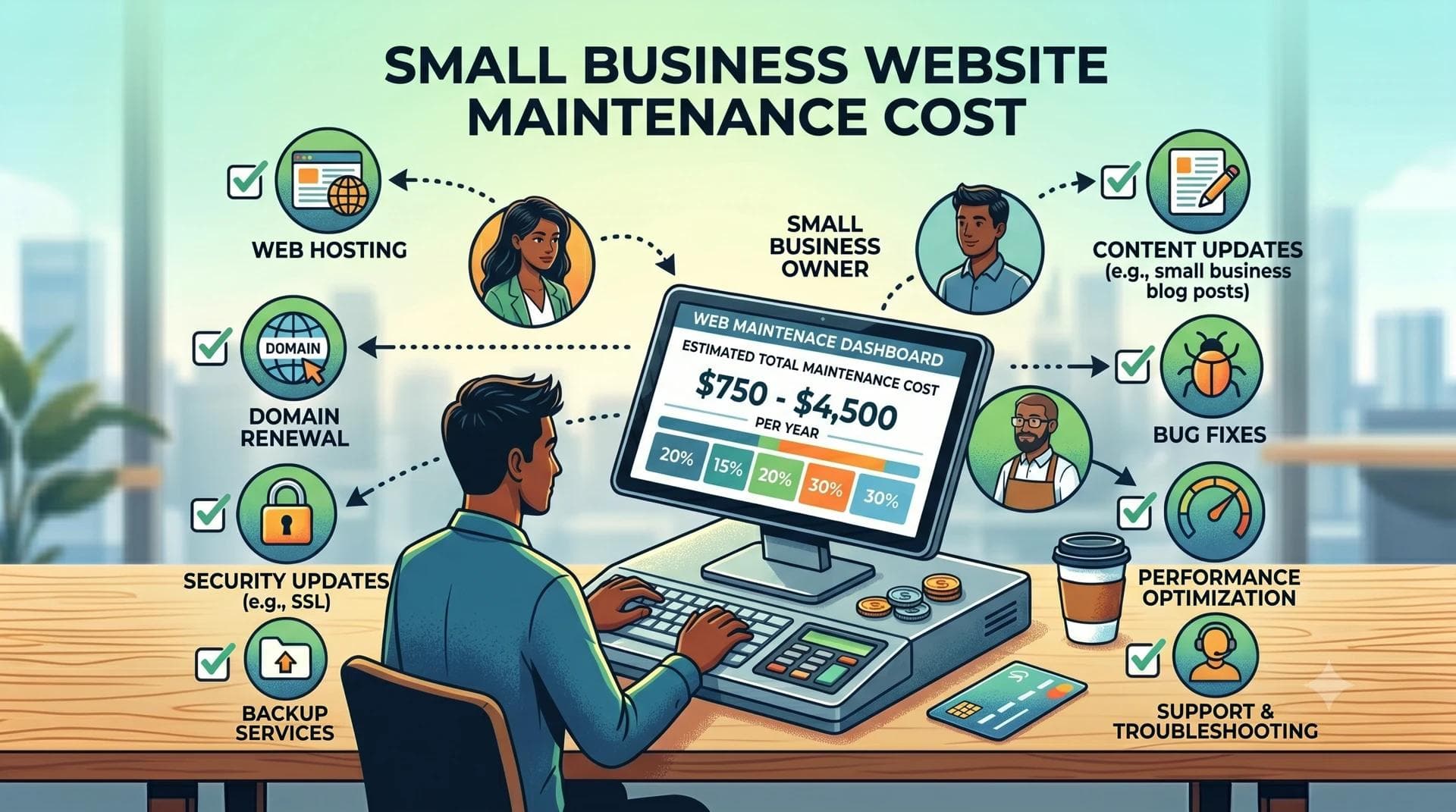
What website maintenance includes
Maintenance covers the work that keeps a site accurate, secure, and usable after launch.
Most local business sites need these basics:
- Hosting and deployment
- Domain renewal
- SSL certificate coverage
- Software or CMS updates
- Security monitoring
- Content edits
- Form and booking checks
- Analytics checks
- Backup or restore access
- Small design fixes
You may not need every item each month. A five-page brochure site needs less care than a CMS-backed site with blog posts, staff profiles, menus, or location pages.
Typical maintenance cost ranges
Small business website maintenance often falls into three buckets.
| Site type | Common monthly work | Typical budget logic |
|---|---|---|
| Simple five-page site | Hosting, contact checks, small edits | Lowest ongoing cost |
| CMS-backed site | Hosting, CMS checks, content help | Moderate monthly cost |
| Custom site | Integrations, forms, API checks, extra content types | Scoped support |
The exact price depends on the stack, the site size, and how often you ask for changes. A restaurant that updates menus every week needs more support than a contractor with stable services and a quote form.
Patchwork Sites keeps scope clear by separating the build from ongoing extras. Launch starts at $997 for up to five pages and no CMS. Grow starts at $1,797 and adds Sanity CMS for businesses that want to edit content. Custom gets quoted when the site needs more pages, multiple CMS content types, custom forms, or API work.
Hosting is not the whole maintenance bill
Hosting only keeps the site online. It does not rewrite service pages, fix broken booking links, add staff photos, check form routing, or clean up plugin conflicts.
For Patchwork Sites, hosting for Grow and Custom builds can run $49 to $99 per month. Launch sites can stay simpler because they do not include a CMS.
Ask any website provider these questions:
- Who owns the hosting account?
- Who can deploy changes?
- Who receives form submissions?
- Who fixes broken booking embeds?
- Who handles CMS access?
- Who owns the GitHub repo or source files?
If the answer sounds vague, the maintenance cost can grow after launch.
WordPress maintenance can look cheap until plugins stack up
WordPress can work for small businesses. It can also turn a simple site into a monthly chore.
Common WordPress maintenance work includes:
- Plugin updates
- Theme updates
- Security patches
- Compatibility checks
- Spam cleanup
- Database backups
- Performance cleanup
Each plugin adds another thing that can break. A booking plugin, form plugin, page builder, SEO plugin, security plugin, cache plugin, and image plugin can all need updates. Someone has to test those updates.
Patchwork Sites avoids that plugin stack. We build on a modern stack with Vercel deployment, Sanity for CMS-backed sites, and GitHub repo handoff. That does not remove all upkeep. It removes a lot of plugin babysitting.
Content edits cost more when nobody planned for them
Many maintenance problems come from content, not code.
Plan ahead for these updates:
- Hours
- Services
- Prices
- Staff
- Photos
- Reviews or testimonials you can verify
- Service areas
- Seasonal announcements
- Blog or news posts
If your content stays stable, Launch may fit. You get up to five pages, booking embed support, stock imagery, Vercel deployment, one revision round, and GitHub repo handoff for $997.
If your team wants to edit services, hours, posts, announcements, or photos, Grow usually makes more sense. Grow includes Sanity CMS and up to seven pages for $1,797.
Custom forms and integrations change the maintenance math
A basic contact form is one thing. A custom intake flow is another.
Custom forms and API integrations need a custom quote because they can affect support needs after launch. Examples include:
- Multi-step quote forms
- CRM routing
- Scheduling API work
- Payment or deposit flows
- Member areas
- Inventory feeds
These features can save time when they match the business process. They can also create more things to test when your tools change.
Bring these needs up before the build starts. Hiding them until the end creates rushed scope and messy maintenance.
SEO maintenance depends on the goal
A clean website should launch with SEO-ready structure. That means clear pages, semantic HTML, useful titles, mobile-friendly layouts, and sensible internal links.
Ongoing SEO work is different. You may need new service pages, location pages, blog posts, technical checks, or content updates.
Patchwork Sites offers SEO add-ons at $297 to $397. Use that when you need extra setup beyond the core build. Do not pay for monthly SEO work unless someone can explain what they will change, how often they will report, and what access they need.
How to keep maintenance costs under control
You can lower long-term cost before the site launches.
Start with these decisions:
- Pick the right number of pages.
- Decide whether you need a CMS.
- Use one clear booking path.
- Keep forms simple unless the workflow demands more.
- Put domain, hosting, repo, and CMS access in writing.
- Prepare copy and photos before build week.
- Use real business proof only.
Clients provide copy and custom photos for Patchwork Sites builds. Stock imagery comes included when you need it, but your own photos often reduce later content edits.
Which Patchwork tier fits your maintenance needs
Use this table as a starting point.
| Need | Best fit |
|---|---|
| A professional five-page site with low upkeep | Launch at $997 |
| A site your team can edit through a CMS | Grow at $1,797 |
| Eight or more pages, custom forms, API work, or deeper CMS structure | Custom quote |
Launch keeps monthly work lighter because you do not manage a CMS. Grow adds more control, so it also adds more content responsibility. Custom depends on the systems involved.
Budget for the site you can maintain
A website should match your operating reality. If you will not update a blog, do not build the first version around a blog. If you change hours, services, menus, or announcements often, do not trap those updates inside a developer-only workflow.
Start with the smallest scope that handles the buying path: what you do, who you serve, why visitors should trust you, and how they contact or book.
If that fits five pages, start with Launch. If you need staff-editable content, start with Grow. If your site needs custom workflows, ask for a Custom quote before anyone prices the build.
Frequently asked questions
How much should a small business budget for website maintenance?
Budget for domain renewal, hosting, content edits, and any CMS or integration support your site needs. Simple five-page sites cost less to maintain than CMS-backed or custom sites because they have fewer moving parts.
Does Patchwork Sites charge monthly maintenance for every website?
No. Patchwork Sites lists hosting for Grow and Custom builds at $49 to $99 per month. Launch is a simpler build with no CMS. Extra SEO, forms, and API work use the published add-on ranges or a custom quote.
Is WordPress cheaper to maintain than a custom small business site?
WordPress can cost less at first, but plugins, theme updates, security patches, and page builder issues can add maintenance work. Compare the full upkeep, not the launch price alone.
Do I need a CMS to lower maintenance costs?
A CMS helps when your team changes content often. If your pages stay stable, skipping the CMS can lower complexity. If you update services, hours, photos, or posts often, Grow with Sanity CMS may fit better.