Small Business Website Footer Checklist
A small business website footer should help customers call, book, request a quote, check your service area, and find policy links without digging.
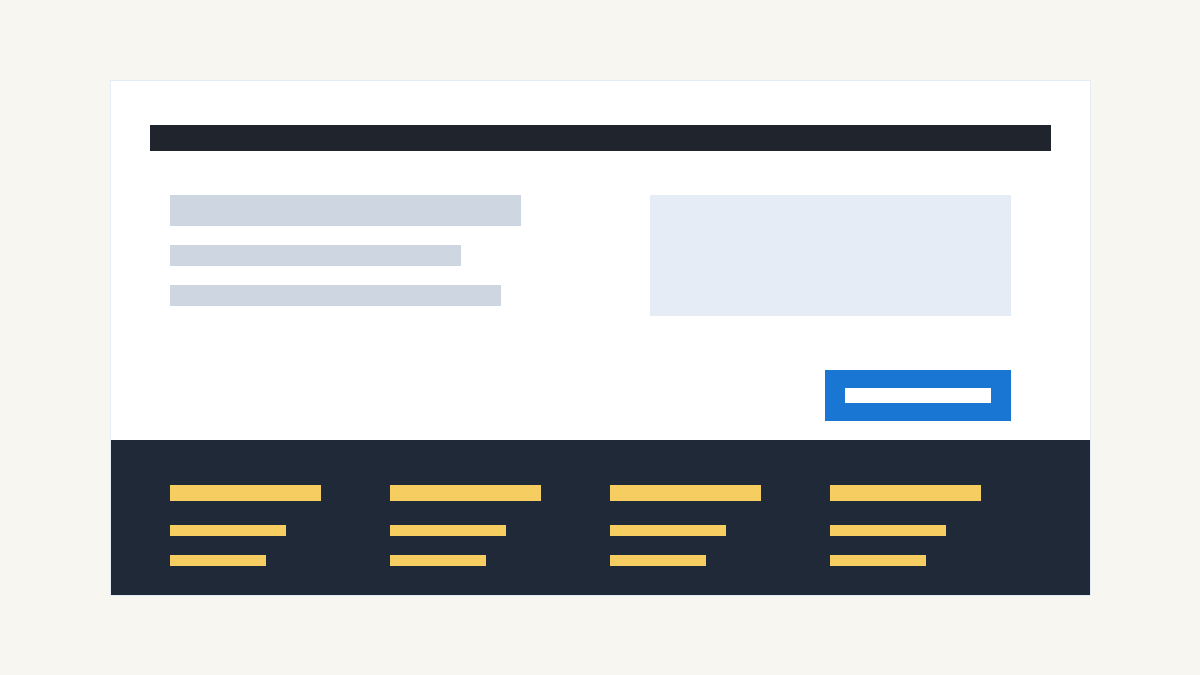
Start with the contact details people need
Put the basics where visitors expect them. A customer who scrolls to the bottom may already want to call, visit, or check whether you serve their area.
Include:
- Business name
- Phone number
- Email address or contact link
- Street address if customers visit you
- Service area if you travel to customers
- Hours if they affect bookings, calls, or visits
Do not hide the phone number behind a form if calls matter to your sales process. Do not list an address if you work from home and do not take walk-ins. Give people the details they need to choose the next step.
For local service businesses, the footer also helps confirm fit. A roofer can list the towns they serve. A salon can list the address and parking note. A clinic can link to booking, hours, and directions.
Link to the pages that sell the work
Your footer should repeat the pages customers use to make a decision. It should not repeat every page on the site.
Most small business footers need links to:
- Home
- Services
- About
- Reviews or results
- Pricing or request a quote
- Contact
- Book online if appointments matter
If you offer several services, link to the main Services page first. Add individual service links only when they help customers move faster. A contractor may link to remodeling, repairs, and additions. A med spa may link to injectables, facials, and laser treatments.
Keep the labels plain. Say Services, Contact, and Request a Quote. Clever labels slow down customers who already know what they need.
Add a clear money path
The footer should include one strong action. Pick the action your staff wants from a good lead.
Use:
- Call Now for phone-first businesses
- Book Online for appointment-based businesses
- Request a Quote for scoped work
- Get Pricing when you show packages or starting ranges
- Schedule a Consultation for advisory or professional services
Do not stack three buttons with equal weight. Customers should see the next step without sorting through options.
Patchwork Sites includes booking embeds in every website tier, so appointment-based businesses can keep booking visible in the footer without adding a custom system. Custom forms or API integrations need a custom quote.
Show service area and location cues
Local customers want to know whether you are close enough to help them. Search engines also need clear location text.
If customers visit your business, put your address in the footer and link it to your preferred map listing. If you serve customers at their location, list the core towns, counties, or neighborhoods you cover.
Use natural text:
- Serving Denton, Frisco, Lewisville, and North Dallas
- Located in downtown McKinney near the square
- Mobile detailing for homes and offices across Collin County
Do not stuff a footer with dozens of city names. Pick the real service area. If you serve many locations, create a Locations or Service Area page and link to it from the footer.
Include trust signals without clutter
A footer can support trust, but it should not turn into a wall of badges.
Use the trust details that matter in your industry:
- License number
- Insurance note
- Professional memberships
- Review platform links
- Secure payment note
- Accessibility or privacy link
Only include claims you can support. If you say licensed, show the license number where customers can check it. If you link to reviews, send visitors to the profile you keep current.
Skip dead social icons. An empty Instagram profile does not build trust. Link to social accounts only when customers will see recent, useful activity.
Add the required policy links
Most small business sites need basic policy links in the footer. The exact set depends on what the site collects and sells.
Common footer policy links include:
- Privacy policy
- Terms and conditions
- Cookie policy if you use cookies or tracking tools
- Accessibility statement if you maintain one
If your site has forms, analytics, booking embeds, payment links, or review request tools, privacy language matters. You do not need to bury customers in legal copy on every page. Put the policy links in the footer so visitors can find them when they need them.
Patchwork Sites can build the page structure and link placement. Your business remains responsible for accurate policy language.
Make the footer work on mobile
Many visitors will see your footer on a phone. That changes the layout.
Check that:
- Phone numbers tap to call
- Email links open a message
- Map links open directions
- Buttons have enough spacing
- Footer text stays readable
- Link groups do not collapse into a tiny block
A desktop footer can use columns. A mobile footer should stack in a clear order. Put the primary action near the top of the footer, then place contact details, service links, and policy links below it.
Do not make customers pinch, zoom, or hunt for the call button.
Keep the footer current
A footer goes stale fast when nobody owns it.
Review it after any change to:
- Phone number
- Address
- Hours
- Service area
- Booking tool
- Legal name
- Main services
- Social profiles
- Policy pages
Set a quarterly reminder if your business changes often. Check the footer after holidays, moves, new services, new staff, and booking software changes.
A wrong footer can send customers to a closed location or dead booking link. Fix those details before you pay for ads, print QR codes, or send traffic from Google Business Profile.
Use this footer checklist before launch
Before your site goes live, confirm that the footer answers these questions:
- Can a customer call, email, book, or request a quote?
- Can they tell where you work or where they can visit you?
- Can they reach your core service pages?
- Can they find privacy, terms, and cookie links if needed?
- Can they use every footer link on a phone?
- Are the claims current and supportable?
- Did you remove old social links, dead pages, and filler copy?
If the answer is yes, your footer is doing its job. It gives customers a clean last step instead of a dead end.
How Patchwork Sites handles footer planning
Patchwork Sites builds budget-friendly websites for small businesses that need a clean launch without an agency invoice.
Tier 1 is $997 for a 5-page site with no CMS. Tier 2 is $1,797 for a 7-page site with Sanity CMS. Tier 3 is a custom quote for larger scopes, extra CMS content types, or custom integrations.
Every tier includes booking embeds. You get stock imagery. You bring your copy and custom photos.
If your current footer hides the basics, start with a small fix: list the contact path, service area, main pages, and policy links. If the whole site needs the same cleanup, pick a tier or request a quote.
Frequently asked questions
What should a small business website footer include?
A small business website footer should include contact details, core page links, service area or address, a main call to action, policy links, and any trust details customers need before they call, book, or request a quote.
Should I put my phone number in the website footer?
Yes, if phone calls matter to your sales process. Put the phone number in the footer and make it tap-to-call on mobile so customers can act without searching for the contact page.
Can Patchwork Sites plan my website footer?
Yes. Patchwork Sites builds 5-page Tier 1 websites for $997 and 7-page Tier 2 websites with Sanity CMS for $1,797. Every tier includes booking embeds. Larger scopes, custom forms, or API integrations need a custom quote.