Small Business Homepage Checklist
A practical small business homepage checklist for clarifying your service, location, call to action, proof, images, navigation, and mobile experience before lau
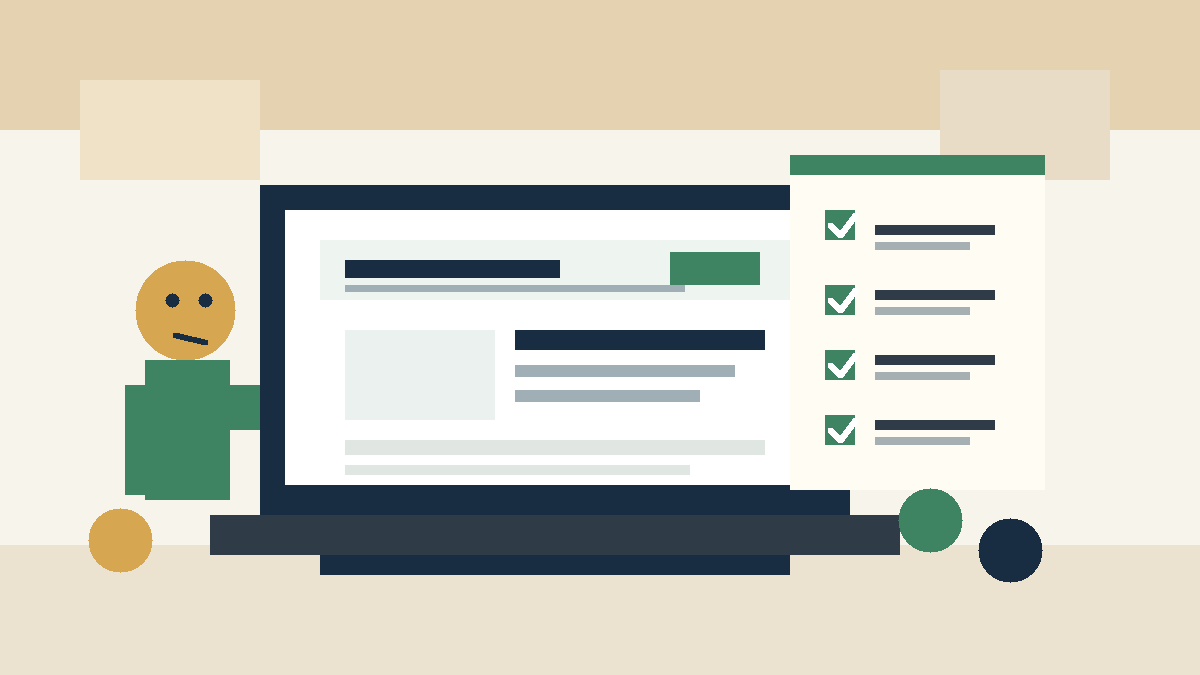
Lead with the service, not the slogan
Your first screen should name the business and the main service.
A homepage for a roofer should say roof repair, roof replacement, or storm damage help. A salon should name haircuts, color, extensions, or the service people search for most. A med spa should name the treatment category. A restaurant should make the food, location, and ordering path clear.
A clever line can support the message after the basics land. It should not replace them.
Use this simple structure near the top:
- Business name.
- Main service or category.
- City or service area.
- One reason to choose you.
- Primary call to action.
Example: “Affordable websites for local service businesses in under a week. Pick a tier, send your content, and launch without agency pricing.”
That line works because it tells the reader what Patchwork Sites sells, who it serves, and what makes the offer different.
Put the next step above the fold
Your homepage should tell customers what to do next before they scroll.
Pick one primary action:
- Call now.
- Book an appointment.
- Request a quote.
- View pricing.
- Start a project.
- Visit the location.
Do not give every action the same weight. A contractor may need quote requests. A restaurant may need calls, reservations, and directions, but one action should still lead. A fitness studio may push class booking. A dental office may push appointment requests.
Put the main button near the headline. Repeat it after key sections. Make phone numbers tap-to-call on mobile.
Patchwork Sites includes booking embeds in all website tiers. If your business runs on appointments, use that embed where it helps customers act without extra back-and-forth.
Show who you serve
A homepage should make the right visitor feel seen and help the wrong visitor self-select out.
Name the customers or situations you handle. A vague “we serve everyone” message helps no one.
A home service business can list homeowners, property managers, and small commercial clients. A law firm can name the practice areas it handles. A med spa can name treatment goals. A cafe can name breakfast, lunch, catering, or private events.
Keep the list short. You do not need a directory on the homepage. You need enough clarity to help a visitor think, “This is for me.”
Make your service area obvious
Local businesses lose leads when visitors cannot tell where they work.
Put your city, neighborhood, or service area near the top of the page. Add a short service area section if you travel to customers. Add the address and map path if customers visit you.
Search engines need this context too. A homepage with services but no location forces Google and customers to guess. Do not make either one guess.
If you serve several towns, list the main ones without stuffing every nearby city into a wall of text. A clean list beats a spammy paragraph.
Explain the offer in plain language
Your homepage needs a short section that explains what customers get.
For a service business, that may include the process, service types, common jobs, or packages. For a restaurant, it may include menus, hours, ordering, and catering. For a professional service, it may include consultation steps and scope.
Patchwork Sites keeps this part simple on purpose. The Launch tier is $997 for up to 5 pages without a CMS. The Grow tier is $1,797 for up to 7 pages with Sanity CMS. Custom work gets scoped when the project needs 8 or more pages, multiple CMS content types, custom forms, or API integrations.
That kind of clear offer helps buyers decide without a long sales call.
Add proof you can stand behind
Use proof you can verify.
Good homepage proof can include:
- Real reviews.
- Before and after photos.
- License or insurance notes.
- Years in business.
- Certifications.
- A portfolio.
- Known brands or local partners.
Do not invent outcomes. Do not add fake testimonials. Do not claim rankings, traffic gains, or revenue lifts unless you can prove them.
A small proof section with honest details beats a homepage full of filler. If you have no strong proof yet, use accurate process details and clear contact paths instead.
Make the navigation boring
Your navigation should help customers move, not show off.
Most small business sites need these links:
- Home.
- Services.
- Pricing or packages, if you show them.
- About.
- Blog or resources, if you publish.
- Contact.
Use labels customers understand. “Solutions” may work for a large software company. A local business needs “Services.”
Keep the header clean on mobile. The phone number or main button should stay easy to reach.
Check mobile before desktop
Many local customers will judge your homepage from a phone.
Test the phone version before launch:
- Can you read the headline without pinching?
- Can you tap the main button with one thumb?
- Does the phone number call the right number?
- Does the booking link open the right page?
- Does the form fit the screen?
- Do images load without slowing the page?
- Can customers find hours, location, and service area?
Do this test from a real phone, not a browser preview alone. Your customer may stand in a parking lot, sit between jobs, or compare options from a couch. The page needs to work in that moment.
Keep images useful
Images should help customers understand the business.
Use real photos when you have them. Show the storefront, staff, finished work, food, treatment room, vehicles, equipment, or service result. If you do not have custom photos yet, use stock imagery as a placeholder and replace it later.
Patchwork Sites includes stock imagery. Clients provide custom photos. That keeps the starting price honest and gives owners a clean path to upgrade the page with real visuals when they have them.
Avoid generic office photos that could belong to any business. They fill space but do not build trust.
Cut homepage clutter
A homepage should guide one decision. It should not carry every thought the business owner has.
Cut these items:
- Long welcome letters.
- Auto-playing video.
- Popups that cover the first screen.
- Social feeds that distract from booking or calling.
- Three different slogans.
- Service lists with no explanation.
- Testimonials with no name, source, or context.
- Buttons that all compete for attention.
If a detail helps customers decide, keep it. If it exists because someone felt the page looked empty, cut it.
Use this homepage checklist
Before you launch or redesign, run the homepage through this list.
| Item | What to check |
|---|---|
| Main service appears in the first screen | Visitors know what you sell |
| City or service area appears near the top | Local customers know if you serve them |
| Primary action is clear | Visitors know whether to call, book, request a quote, or view pricing |
| Phone and booking links work on mobile | Customers can act from a phone |
| Services are explained in plain language | Buyers do not need industry knowledge |
| Proof is real and specific | The page builds trust without fake claims |
| Images match the business | Photos support the offer |
| Navigation uses simple labels | Visitors can find key pages |
| Page loads fast | Customers do not wait before they understand the offer |
| Contact path appears more than once | Warm leads do not have to hunt |
Run this checklist after every major edit. Homepages drift when businesses add new services, change hours, switch booking tools, or update photos.
Match the homepage to the right website tier
A strong homepage does not require an agency-sized budget.
Patchwork Sites Launch fits businesses that need a clear 5-page website without a CMS. It works well when the owner wants a professional homepage, services page, about page, contact page, and one other key page.
Patchwork Sites Grow fits businesses that want to update content through Sanity CMS. It works well for owners who change services, hours, photos, announcements, or posts.
Choose Custom when the homepage belongs to a larger build with 8 or more pages, custom forms, multiple content types, or API integrations. Scope those needs before the project starts so the price stays honest.
Your homepage should make the sale easier
A good homepage will not do the whole sales job. It should make the next step feel obvious.
Show what you do. Name where you work. Give customers a clear action. Back up your claims with proof you can stand behind.
If your small business needs that kind of homepage without agency pricing, start with Patchwork Sites Launch or Grow. Pick the tier that matches the control you need after launch.
Frequently asked questions
What should a small business homepage include?
A small business homepage should include the main service, service area, clear call to action, short offer explanation, contact path, phone-ready buttons, real proof, useful images, and simple navigation.
How much copy does a homepage need?
Most small business homepages need enough copy to explain the service, location, next step, and trust signals. Do not pad the page. Add detail when it helps a customer decide.
Should I put pricing on my homepage?
Show pricing when it helps buyers qualify themselves and the offer has clear boundaries. Patchwork Sites shows fixed website tiers because the scope is clear. Custom work should point to a quote instead.
Do I need custom photos for my homepage?
Custom photos help when they show your team, location, work, or product. Stock imagery can start the project when custom photos are not ready, but real business photos build more trust.