Google Business Profile Website Link for Small Business
Your Google Business Profile website button should send local customers to a page that helps them act fast. Use your homepage when it explains your service, are
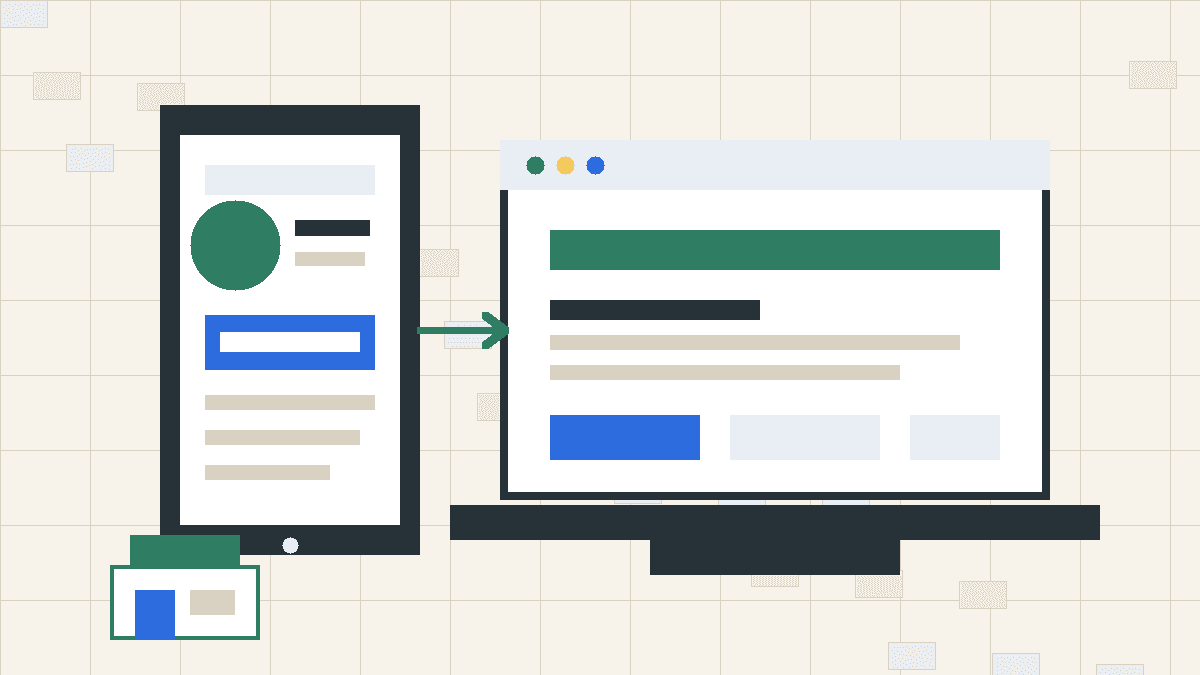
What the Google Business Profile website link does
The website field in your Google Business Profile adds a button to your listing. Customers can tap it from Google Search or Google Maps.
That button matters because the visitor already has local intent. They may want to:
- Check your services
- See your prices or starting rates
- Confirm your service area
- Book an appointment
- Call after reading more
- Compare you with another local option
Your website link should answer those needs fast. If the page makes customers hunt for basic facts, you lose the advantage your listing created.
Use your homepage when it can carry the job
A strong small business homepage can work as your Google Business Profile link. It gives customers enough context without forcing them through a maze.
Use your homepage if it includes:
- A clear headline that says what you do
- Your city, service area, or local market
- Your main services
- Your hours or booking path
- Your phone number or contact button
- Trust signals such as reviews, photos, licenses, or process details
- A fast mobile layout
Local visitors do not need a brand manifesto. They need to know whether you handle their problem, serve their area, and make it easy to act.
If your homepage does that, use it.
Use a focused page when the homepage asks too much
Some businesses should send Google Business Profile visitors to a focused page instead of the homepage.
Use a service page when one offer drives most calls. A med spa might link to an appointments page. A contractor might link to a quote page. A dog groomer might link to a booking page with services, location, hours, and policies.
Use a contact page when the visitor knows what they need and the only real job is intake. That page should include phone, form, map, address, hours, and any booking embed.
Use a location page when you run multiple locations. Each profile should point to the matching location page, not a generic homepage that makes the customer choose again.
The rule is simple: the link should remove one step, not add one.
What the linked page needs above the fold
Most profile visitors arrive on a phone. They will judge the page fast.
Put these items near the top:
- Business name
- Primary service or category
- City or service area
- Main call to action
- Phone or booking button
- One clear reason to trust you
You do not need a giant hero image that pushes the useful content down. You need a page that tells the visitor they found the right business.
A good first screen might say: "Mobile dog grooming in Franklin. Book a nail trim, bath, or full groom online." Then show a booking button and phone link.
That beats a vague headline like "Quality care you can trust" with no next step.
Add tracking without making the URL ugly
You can add UTM parameters to your Google Business Profile website link so analytics can separate profile traffic from other visits.
A simple tracked URL might use:
- utmsource=google
- utmmedium=organic
- utmcampaign=gbp
Keep the destination clean and stable. Do not change the link every week unless you have a reason. If you change pages, check the link after the update.
Tracking helps when you review form submissions, calls, and booking activity. It will not fix a weak page. Fix the page first, then track it.
Do not link to pages you do not control
Some businesses send profile traffic to a social page, marketplace listing, or third-party booking tool. That can work in a pinch, but it gives another platform control over the customer path.
Use your own site when you can. Your site lets you control the copy, layout, forms, booking embeds, photos, schema, and calls to action.
A third-party tool can still sit inside the page as an embed or button. That gives customers the convenience without making the outside tool your whole web presence.
Fix these problems before you update the profile
Before you paste the link into Google Business Profile, open the page on your phone and check the basics.
Make sure:
- The page loads fast on mobile
- The phone link works
- The form sends to the right inbox
- The booking embed opens without friction
- The address and hours match your profile
- The page title matches the service or business
- The page has no old promos, dead links, or missing images
Small errors look bigger when they come from Google. A customer who clicks from your profile expects the page to confirm what Google showed them.
When your current website is the bottleneck
Your Google Business Profile can send qualified visitors to your site. It cannot make a bad site do its job.
If your website is slow, outdated, or hard to edit, you have three practical options.
First, clean up the current page. Tighten the headline, add your service area, move the phone button higher, and remove old content.
Second, build one focused landing page for profile traffic. This can work when your existing site is fine but one service needs a cleaner path.
Third, replace the site with a simple modern build. Patchwork Sites starts at $997 for a Tier 1 site with up to five pages, booking embeds, stock imagery, Vercel deployment, and GitHub repo handoff. Tier 2 is $1,797 when you need a seven-page site with Sanity CMS. Custom work gets quoted when forms, APIs, larger structures, or extra CMS types enter the scope.
Pick the option that fixes the customer path without buying more website than you need.
A simple setup checklist
Use this checklist before you update the website field in Google Business Profile.
- Choose the destination page.
- Confirm it matches the business name, address, phone, hours, and service area on your profile.
- Put the main action near the top.
- Test the phone link, form, and booking embed.
- Add UTM tracking if you use analytics.
- Paste the final URL into Google Business Profile.
- Test the button from Google Search and Google Maps.
- Review form, call, and booking quality after traffic starts coming through.
You do not need a complicated funnel. You need a page that helps a ready customer act.
Make the click count
Your Google Business Profile website link should point to the page that best handles local intent. Use the homepage when it explains the business and gives customers a clear next step. Use a service, contact, booking, or location page when that shorter path helps the customer act faster.
If your current site cannot do that, start smaller than an agency rebuild. Patchwork Sites can build a clean five-page site with the basics local customers need, starting at $997.
Pick the page. Test the path. Make the next click obvious.
Frequently asked questions
What should I put in the website field on Google Business Profile?
Use the page that helps a local customer take the next step with the least confusion. For many small businesses, that means the homepage. For service ads, booking, or one-location campaigns, a focused service or contact page can work better.
Should my Google Business Profile link go to my homepage or contact page?
Use your homepage if it explains what you do, where you work, when you are open, and how to book or call. Use your contact page if most visitors already know they want to reach you and the page has clear phone, form, map, and booking options.
Can Patchwork Sites build a website for my Google Business Profile traffic?
Yes. Patchwork Sites can build a simple local business website starting with Tier 1 at $997 for up to five pages. Tier 2 is $1,797 when you need Sanity CMS for updates. Custom work gets scoped before pricing.